Calendaty vs Calendly

The booking link, with someone answering behind it

Calendly hands your visitor a grid of times. Calendaty puts an AI agent in front of it — one that answers the price question, recommends the right service, takes the payment and books, in Arabic or English.

Calendaty is not affiliated with, endorsed by or sponsored by Calendly. Everything below is general guidance, checked against Calendly's own pricing page on the date shown — verify it there before you decide.

A four-row summary comparing Calendaty and Calendly.
At a glance Calendaty Calendly
Conversational AI booking agent Yes No
Answers customer questions in chat Yes No
Arabic and RTL by default Yes Multi-language
Booking pages and scheduling links Yes Yes
Why teams switch

Three things a scheduling link cannot do

Calendly is very good at the last step. These are the three before it.

  • An agent, not a form

    Calendly's AI is a Notetaker that works after the meeting. Calendaty's works before it: it answers from a knowledge base you wrote, recommends the right service and books — around the clock, on your booking page, Telegram or Slack.
  • The booking happens in the chat

    There is no handoff to a grid of times. Your customer asks what a service costs, gets your price from your own catalogue, picks Saturday and pays with Stripe or PayPal without leaving the conversation.

  • Arabic that was not an afterthought

    Right-to-left is the default, not a layer over an English interface. The booking page, the emails and the agent are all Arabic, and the agent replies in whichever language your customer opened with.

Feature by feature

Calendaty vs Calendly, row by row

Where Calendly wins, the row says so — including the two where we lose.

Feature Recommended Calendaty Calendly
AI & conversation
Conversational AI booking agent Yes No
Knowledge base the agent reads Yes No
Books inside the conversation Yes No
Agent channels Web chat No
Conversation inbox for admins Yes No
Payments
Payment at booking Stripe, PayPal, pay-locally Stripe, PayPal
Pay-at-venue, still tracked Yes No
Transactions ledger and refunds Yes Via Stripe
Scheduling
Unlimited services and event types Yes Paid plans
Connected calendars, checked for conflicts Yes Yes
Embeddable booking widget No Yes
Availability rules per person Yes Yes
Recurring appointments No Yes
Teams & organizations
Round-robin routing Growth Teams
Collective booking Pro Paid plans
Roles and permissions Business Teams
Multiple locations and branches Yes Teams and up
Reach & languages
Arabic and RTL by default Yes Multi-language
Email reminders and follow-ups Yes Yes
Third-party integrations Growing Yes

Checked against calendly.com/pricing on 2026-08-07. Both products repackage often — verify before relying on a row.

A fair take

Where Calendly is the better answer

Three cases where we would tell you to stay where you are.

  • You just need a link

    One person, no payments, no agent, no Arabic. Calendly's free plan gives you one event type and does that job cleanly — nothing on this page is worth a migration for it.

  • You live inside a bigger stack

    Calendly's app marketplace is years ahead of anything we have. If a booking has to touch your CRM, your marketing automation and half a dozen internal tools from day one, it will get there first.

  • You run a sales team on it

    Enterprise seat management, SSO and SAML, and recurring meetings for standing calls are all mature at Calendly. The last of those we do not do at all, at any plan.

The limits

What Calendaty doesn't do

You came to this page to audit our claims, so here are the four we would rather you heard from us than discovered in week two.

  • No deposits or partial holds.

    A service is charged in full at booking, or marked pay-locally and still tracked to the appointment.

  • No recurring appointments.

    Each session is booked on its own, or created from the dashboard when a customer wants a standing slot.

  • No group capacity or waitlists.

    One appointment per slot — block a class out as a single booking, and count and cap the room yourself.

  • No SMS.

    Customer reminders and follow-ups are email; alerts to your staff go to Telegram, Slack or your own webhook.

Moving over

Off Calendly in an afternoon

There is no importer. There is also not much to import — three steps, and most of the work is your own services.

  1. Connect the same calendar

    Sign in with the Google or Outlook calendar Calendly already writes to. Conflicts are checked against it before a slot is ever offered, so both can run side by side while you move.

  2. Rebuild your event types as services

    Recreate each one with its duration and, this time, its price. Then paste your price list and policies into the knowledge base so the agent can answer for them.

  3. Swap the link

    Replace the Calendly URL wherever it lives — bio, signature, site, invoices — and leave the old one live for a week so nothing already booked gets stranded.

FAQ

Questions about switching

Is Calendaty a drop-in replacement for Calendly?

For a booking link, yes — services, availability, reschedule and cancel all have an equivalent. For recurring meetings it is not: Calendly does recurrence and Calendaty does not, so a standing weekly call has to be booked one session at a time.

Does Calendly charge extra to take payments?

No, and you will see that claimed elsewhere. Stripe and PayPal collection is included from Calendly's free plan. What Calendaty adds is pay-at-venue marked as cash and still tracked, plus a transactions ledger with refunds inside the product rather than in your Stripe dashboard.

What does Calendly's free plan actually include?

One event type, and that is the sharp edge. Unlimited event types and routing forms start at Standard, $10 per seat per month; round-robin and admin controls at Teams, $16; SSO and SAML at Enterprise. Calendaty's free plan does not cap event types.

Can I import my Calendly event types?

No. Nothing reads your Calendly account. Rebuilding a handful of event types as services takes about twenty minutes; the longer job is the knowledge base, because the agent needs your price list and your policies in your own words.

Can your agent do what Calendly's AI does?

They are not the same product. Calendly's AI is a Notetaker that summarizes a meeting after it happens. Calendaty's agent works before the booking exists — it answers, quotes and books. Neither one replaces the other.

Do you have as many integrations as Calendly?

No, and it would be silly to pretend otherwise. Our integration list is growing; Calendly's marketplace is one of the largest in the category. We connect calendars, Zoom and Google Meet, Stripe and PayPal, Telegram, Slack and n8n — if you need one specific app, check for it before you move.

Rebuild three event types. Share the link.

Connect your calendar, share your link, and let Calendaty turn questions into booked, paid appointments — starting today.

calendaty.com/yourname Claim your link

Free forever · No card · Arabic and English, RTL by default

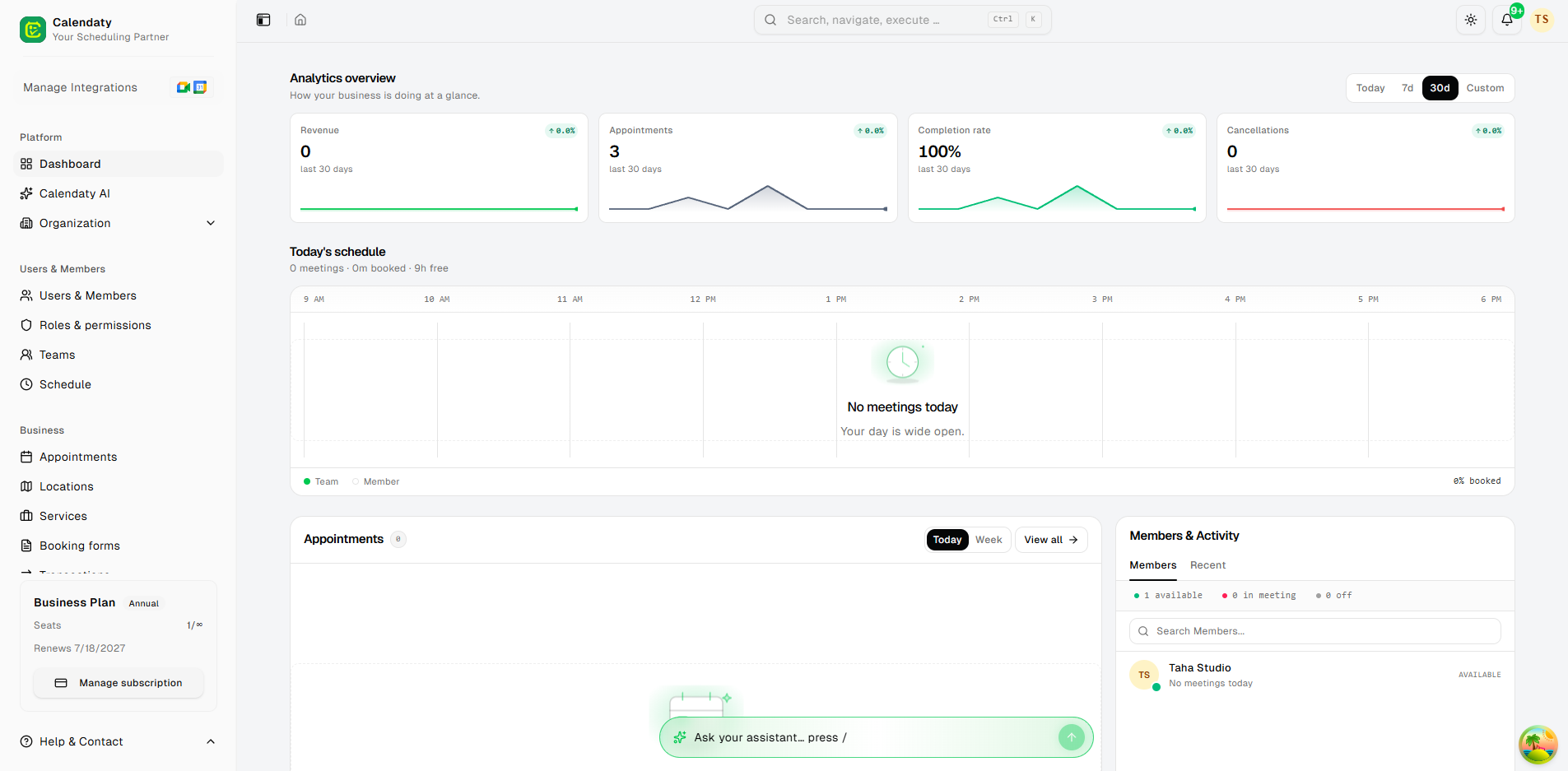
Calendaty analytics overview